

Yes, you can automate Instagram DMs, and Meta actively supports it through the Instagram Messaging API. Two routes work: native saved replies for simple, one-off responses, and full API-based automation for instant flows, comment-to-DM funnels, and story-mention triggers. Comment-to-DM and story-mention automation convert best because they catch people at peak interest. Plan every flow around Meta's 48-hour marketing-message window rather than fighting it.
Your immediate next step is straightforward:
- Switch your account to a Professional account if you haven't already.
- Link it to a Facebook Page (this is non-negotiable for API access).
- Decide whether native saved replies cover your needs today, or whether you need an approved automation platform connected via webhooks.
Pro Tip: Start with a small comment-to-DM pilot on one post before building out a full flow. You'll spot formatting issues and consent gaps in days rather than weeks.
Key Takeaways
Automating Instagram DMs works best when comment-to-DM and story-mention triggers do the heavy lifting, native features handle overflow, and every flow respects Meta's 48-hour marketing-message limit.
| Point | Details |
|---|---|
| Two routes exist | Use native saved replies for low-volume questions and the Instagram Messaging API for full automation. |
| Comment-to-DM converts best | This trigger reliably delivers the highest lead-capture yield for creators and small stores. |
| Respect the 48-hour rule | Meta permits one marketing message per subscriber every 48 hours, so design single-touch, high-value messages. |
| Capture opt-ins early | Move ongoing conversation to email or WhatsApp since Instagram limits recurring marketing contact. |
| Managed automation removes upkeep | Gmdautomation runs deployment, compliance monitoring, and optimisation as one subscription, suited to teams running sustained or CRM-linked campaigns. |
Table of Contents
- How Instagram DM automation actually works
- Which triggers actually convert on Instagram?
- Native, SaaS, or managed: which approach fits your team?
- What's the setup checklist before you go live?
- When does a managed service make more sense than DIY?
- What are the real limits and how do you measure success?
- Ready to move beyond DIY DM automation?
- Frequently asked questions
- Sources
How Instagram DM automation actually works
Instagram gives you two distinct layers of automation, and confusing them is the most common mistake social media managers make.
Native features sit inside the app and Meta Business Suite. Saved replies let you store canned answers and insert them with a tap. FAQ quick-tap buttons offer a menu of common questions when someone opens a chat. Meta Business Suite also has instant-reply toggles for Business and Creator accounts, which fire automatically outside your normal hours. None of this is instant automation in the true sense. Someone still has to tap the reply, or the toggle only handles one fixed message.
The API layer is where real automation lives. The Instagram Messaging API lets an approved platform or custom build react instantly: greeting new contacts, running branching conversation flows, triggering a DM when someone comments a keyword, or replying automatically when someone mentions your account in a story. This is what powers genuine instagram dm chatbot behaviour rather than static templates.
Getting there requires three things:
- A Professional account (Business or Creator), since personal accounts cannot access the API at all.
- A linked Facebook Page, because Instagram's messaging permissions route through Meta's Business platform, not Instagram alone.
- App permissions and webhooks configured through Meta's developer tools, so incoming messages and comments trigger your automation in near real time.
Consent matters at every stage. Meta expects a clear opt-in before you send anything beyond a direct reply to an inbound message, and platforms that skip this step risk account restrictions. Build the opt-in into the first message itself, not as an afterthought.
Which triggers actually convert on Instagram?
Not every automation trigger performs equally, and the data on this is fairly consistent across creators and small stores.
Comment-to-DM is usually the highest-yield pattern available. Someone comments a keyword on a post (say, "guide" or "price"), and the bot instantly sends them the resource, discount code, or product link in their DMs. This scales lead capture without asking anyone to fill out a form, and it works especially well for gated content like downloadable guides or waitlists.

Story mentions and story replies catch people at the exact moment they're engaged. When someone mentions your account in their story or replies to yours, an automated response within seconds feels natural rather than robotic, because the context is fresh.
Incoming DM flows handle the questions that arrive cold: qualifying a lead before a human takes over, booking an appointment slot, or pulling up an order status. These flows do the heavy lifting for repetitive queries that would otherwise eat a team's day.
- Use comment-to-DM for lead magnets and gated downloads.
- Use story-mention triggers for real-time engagement and community building.
- Use structured DM flows for booking, qualification, and order support.
- Reserve saved replies for genuinely one-off, low-volume questions that don't justify a full flow.
The line between saved replies and structured automation comes down to volume. If you're answering the same question fewer than a handful of times a week, a saved reply is fine. Beyond that, you're wasting staff time a flow could handle instantly.
Native, SaaS, or managed: which approach fits your team?
Three practical paths exist, and the right one depends on your volume, technical comfort, and how much ongoing maintenance you're willing to own; understanding the difference between AI agents vs chatbots can help UK small businesses choose the best approach.
Native quick fixes cost nothing beyond your time. Saved replies and Meta Business Suite's instant-reply toggle work for solo operators or small accounts fielding a modest, predictable trickle of messages. The trade-off is obvious: no branching logic, no comment-to-DM, and no story-mention automation.
Third-party SaaS platforms connect through the official Messaging API and give you flow builders, keyword triggers, and analytics dashboards. Setup usually takes an afternoon, and monthly subscriptions scale with your message volume. You still own configuration, testing, and updates when Meta changes its rules, which happens more often than most guides admit.
Managed AI automation services hand deployment, monitoring, and ongoing optimisation to a provider. This suits teams juggling CRM integrations, sustained high-volume campaigns, or simply lacking the internal bandwidth to babysit a bot.
Whichever route you pick, insist on these features:
- Comment-to-DM support with keyword matching.
- Story mention and story reply handling.
- Explicit opt-in capture built into the first automated message.
- Webhook or CRM integration so leads land where your sales team actually works.
- A clear, tested path to hand a conversation to a human when the bot hits its limits.
Avoid any tool that relies on browser automation, scraping, or shared login credentials instead of the official API. That approach risks account suspension outright, according to platform guidance from CreatorFlow, and it's not a risk worth taking for the sake of a cheaper monthly fee.
What's the setup checklist before you go live?
Before writing a single automated message, confirm the groundwork is solid.
- Confirm prerequisites. You need a Professional account, a linked Facebook Page, and admin access to both. Missing any one of these blocks API access entirely.
- Choose your connection method. Either sign up with an approved third-party platform or, for a custom build, register an app through Meta's developer console.
- Configure webhooks and permissions. You'll need the
instagram_manage_messagespermission enabled, plus a verified webhook endpoint that receives events in real time. Our guide to webhook automation walks through the technical side if you're building this yourself. - Design your opt-in and opt-out paths. State plainly what someone is signing up for and give them an obvious way to stop messages at any point.
- Test with a second account. Trigger every flow yourself: comment the keyword, mention the account in a story, send a cold DM. Check formatting renders correctly on both iOS and Android.
- Verify human handoff. Confirm a flagged conversation actually reaches a real person, and check that your analytics are logging response times and conversion events from day one.
Skipping the second-account test is the single most common cause of embarrassing launch-day failures, from broken message formatting to triggers that fire twice.
When does a managed service make more sense than DIY?
Running Instagram DM automation yourself works fine at modest volume with a straightforward flow. It stops working once you add CRM syncing, multiple campaign types running in parallel, or message volume high enough that a broken webhook costs you real leads overnight.
Gmdautomation's subscription model covers deployment, operation, maintenance, and ongoing optimisation for a fixed monthly fee, which removes the upfront technical risk of building and maintaining API integrations in-house. That matters more than it sounds: Meta updates its messaging permissions and rate limits periodically, and a flow that worked in January can silently break by March if nobody's watching it.
A managed architecture also takes on the compliance and security burden, monitoring flows against Meta's opt-in rules and messaging limits rather than leaving that to whoever set the bot up eighteen months ago.
Businesses running sustained, high-volume DM campaigns rarely have the internal bandwidth to monitor webhook uptime, track opt-out rates, and rebuild flows every time Meta shifts a permission. That's precisely the gap a managed service is built to close.
Choose managed automation when:
- Your DM flows need to talk to a CRM or e-commerce platform, not just Instagram.
- You're running sustained campaigns rather than a single seasonal push.
- Nobody on your team has the time or inclination to monitor bot performance weekly.
What are the real limits and how do you measure success?
Meta's Marketing Messages API caps promotional contact at one marketing message per subscriber every 48 hours, a rule that replaced the older Recurring Notifications system. This isn't a technical inconvenience, it's a design constraint: build single-touch, high-value messages that earn their place in that window rather than trying to send daily nudges.
The smartest brands treat Instagram as a discovery channel rather than a home for ongoing conversation. Capture an opt-in for email or WhatsApp early in the flow, then move recurring communication to a channel without the 48-hour ceiling, a pattern Mailchimp's guidance on DM automation also flags as standard practice.
Consent isn't optional scaffolding either. Record every opt-in with a timestamp, and build a visible opt-out option into each automated flow, not buried three menus deep.
Track these metrics from week one:
- Response time, since instant replies are the entire point of automation.
- DM-to-lead or DM-to-sale conversion, which tells you whether the flow is actually earning revenue.
- Opt-out and complaint rate, an early warning sign that messages feel intrusive rather than useful.
- Handoff success rate, confirming complex conversations reach a human before a customer gives up.
A low opt-out rate on a well-designed comment-to-DM flow is a reasonable benchmark to aim for; materially higher rates usually mean the message arrived at the wrong moment or asked for too much too soon.
A quick word on what actually goes wrong
Most failed Instagram automation projects share three mistakes: skipping the second-account test before launch, treating consent as a formality rather than a requirement, and pushing daily promotional messages that ignore the 48-hour window entirely. Early ROI is easier to judge than people expect. Watch response time and DM-to-lead conversion in the first fortnight, and you'll know within days whether a flow is pulling its weight or quietly annoying people. If you want a second opinion on a flow before it goes live, a short audit conversation usually surfaces the gaps faster than another week of internal testing.
Ready to move beyond DIY DM automation?
Building and maintaining your own Instagram automation stack is entirely doable, but it's also an ongoing job: someone has to watch webhook uptime, track opt-out rates, and rebuild flows every time Meta tweaks a permission. Gmdautomation removes that upkeep entirely by running your Instagram DM automation as a managed, subscription-based service, with deployment, monitoring, and optimisation covered in one predictable monthly fee rather than a pile of upfront development costs.
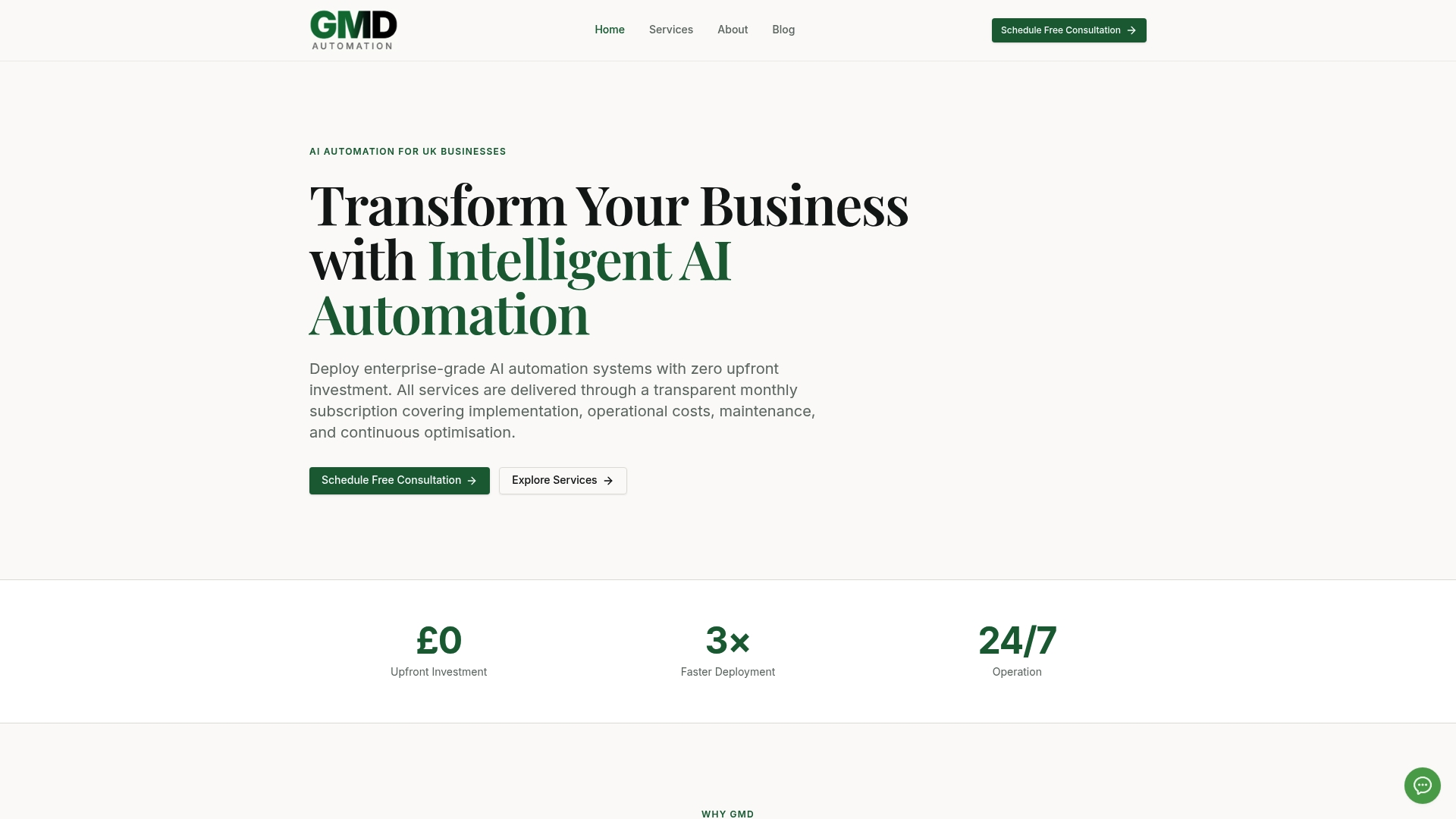
The subscription includes security and compliance monitoring built around Meta's opt-in and messaging-window rules, so your flows stay compliant even as those rules shift. That covers the integration work too, connecting your DM flows to the CRM or booking system your sales team already uses, rather than leaving Instagram data stranded in its own silo. For teams weighing this against building in-house, our guide to subscription-based automation tools breaks down how the cost models compare.
If you're ready to see what a managed pilot looks like for your Instagram DMs, book a demo with Gmdautomation and get a working flow assessed against your actual message volume.
Frequently asked questions
Can you fully automate Instagram DMs without breaking Meta's rules? Yes, provided you use an approved connection through the Instagram Messaging API rather than scraping tools or shared logins, and you respect the 48-hour marketing-message limit and capture proper opt-ins.
Do you need a business account to automate Instagram DMs? Yes. Personal accounts cannot access the Messaging API at all. You need a Professional account (Business or Creator) linked to a Facebook Page before any automation platform can connect.
What's the difference between saved replies and full DM automation? Saved replies are manual templates you tap to send, useful for low-volume, repetitive questions. Full automation via the API reacts instantly to keywords, comments, and story mentions without anyone tapping anything.
How often can you message a subscriber automatically on Instagram? Meta's Marketing Messages API allows one marketing message per subscriber every 48 hours, which is why most strategies aim for a single high-value touch rather than daily automated pushes.
Should a small business build DM automation in-house or use a managed service? Building in-house suits simple, low-volume flows with limited integration needs. A managed service like Gmdautomation makes more sense once you need CRM integration, sustained campaigns, or ongoing compliance monitoring without dedicating internal staff to it.
Sources
- The benefits of Instagram DM automation for brands | Mailchimp