

Finding enterprise automation software that adapts to complex workflows and keeps pricing and integration transparent is difficult. Most options demand complex setup or hide pricing details, making budgeting and technical planning uncertain for operational teams. This comparison covers pricing, workflow management, and support so operational teams can match a platform to their risk and resource profile.
Table of Contents
GMD Automation
At a Glance
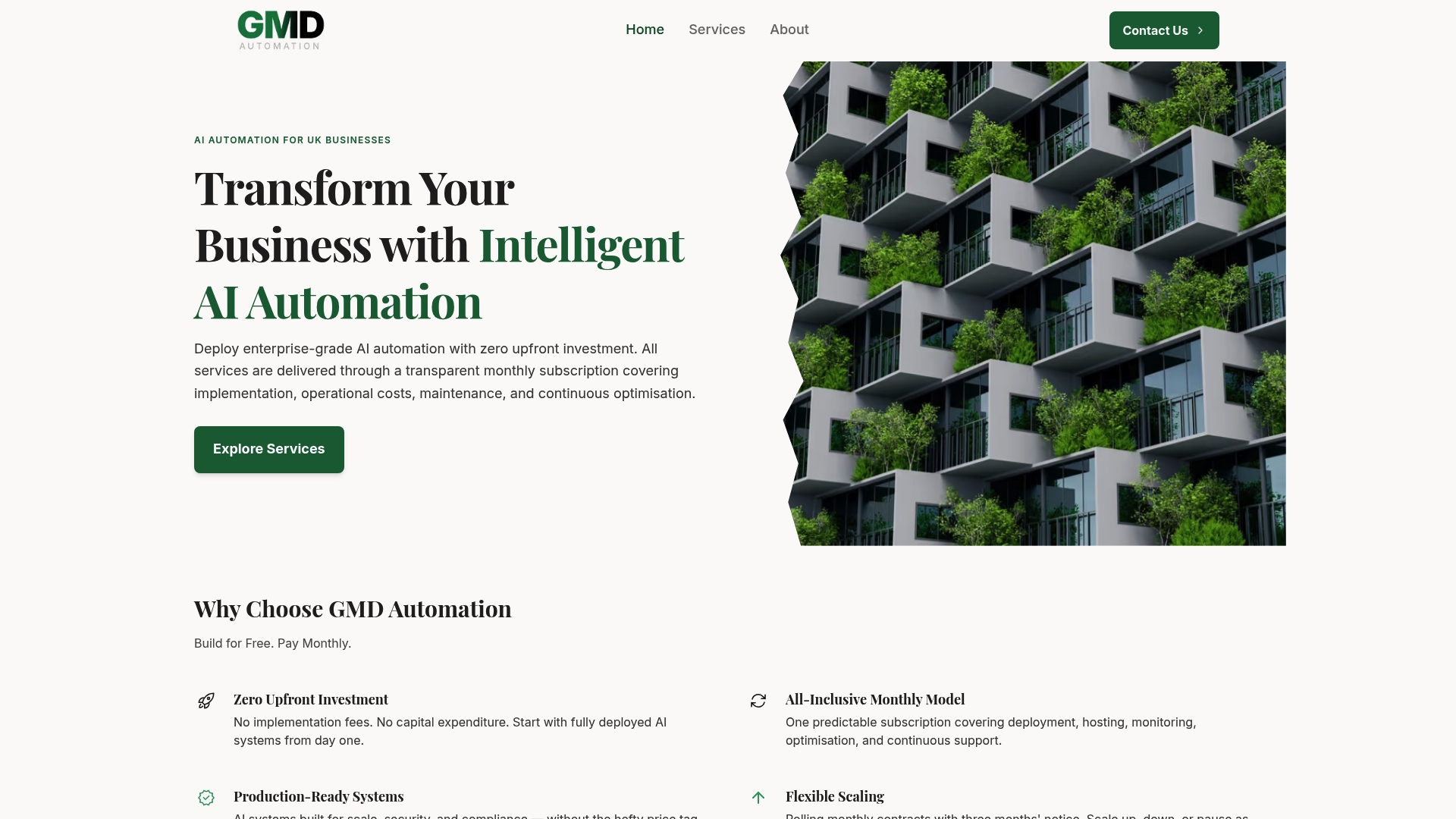
The vendor lists pricing starting from £400 for 1,000 minutes of AI voice agent calls. This offering pairs that pricing with zero upfront investment and month to month subscriptions that cover deployment, hosting, monitoring, and support. Services concentrate on AI powered voice and chat agents plus social media automation for lead qualification and appointment booking.
Core Features
The company states its systems are production grade and compliant with UK regulations, and that those systems include AI powered voice and chat agents plus tools for social media automation. Clients pay a single monthly subscription that covers deployment, hosting, monitoring, and ongoing support. Contracts operate on a month to month basis with flexible scaling and a three months notice policy for cancellation.
Key Differentiator
GMD Automation centres its proposition on delivering fully managed, production grade AI systems with no upfront capital required and clear monthly billing. That model removes internal project delivery from clients and shifts operational responsibility to the vendor. The result is the ability to adopt voice and chat automation without buying infrastructure or maintaining complex stacks.
Pros
No initial capital outlay lowers the barrier for medium sized teams that lack a large IT budget and prefer predictable operating costs. The fully managed service reduces internal technical overhead because deployment, hosting, monitoring, and optimisation sit with the vendor. Transparent monthly pricing and month to month contracts provide flexibility, while the emphasis on UK data protection and compliance suits organisations with local regulatory needs.
Cons
- Pricing that starts at £400 for 1,000 minutes of AI voice calls may be expensive for very small operations or very low volume trials.
Who It's For
Organisations in the UK that want to automate customer interactions and marketing without a capital purchase will find this model attractive. It fits medium sized service providers that need multilingual call handling, lead qualification, and appointment booking. It also suits teams that prefer a managed offering rather than hiring specialist engineers.
Unique Value Proposition
A single month to month fee that combines deployment, hosting, monitoring, and support converts a capital project into an operating expense. That shift allows finance teams to budget predictable monthly costs while operational teams avoid vendor handover and ongoing maintenance tasks. For businesses gauging automation pilots, the financial model lowers the barrier to test and scale.
Real World Use Case
A mid sized UK service provider deployed AI powered voice agents to handle routine customer calls and automate appointment scheduling. The provider reduced daytime call handling load and freed staff to focus on complex enquiries. Call analytics fed into service improvements while automation handled repeatable tasks.
Pricing
The vendor lists pricing starting from £400 for 1,000 minutes of AI voice agent calls. Social media automation is advertised from £200 for two platforms. All services are billed monthly under the subscription model.
Website: https://gmdautomation.ai
Kaiva
At a Glance
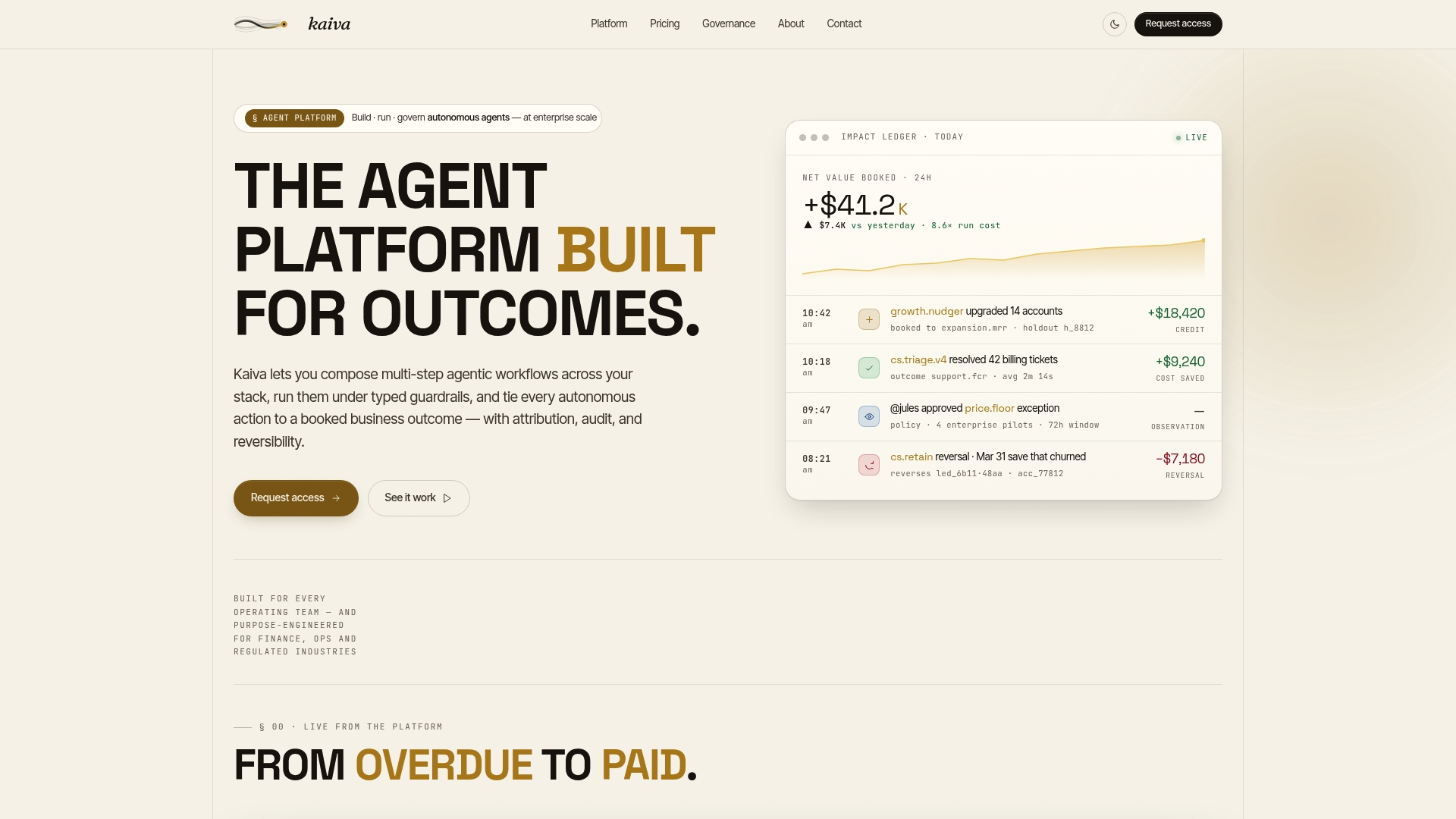
An append only ledger records every action, decision, and result so outcomes can be attributed to agents and people. The ledger is central to how Kaiva links activity to measurable business results. The platform targets operational teams in regulated industries that need auditable, reversible workflows.
Core Features
Kaiva composes multi step, model agnostic workflows using typed, schema defined tools and guardrails so logic is explicit and machine readable. It offers connectors for enterprise systems such as Salesforce, Stripe, Snowflake, Slack, Zendesk, and GitHub to pull and push data into live processes. Kaiva's marketing materials state built in compliance with GDPR and the EU AI Act, and the product includes role based access, approval queues, reversibility, and exportable audit trails.
Key Differentiator
Kaiva centres outcome attribution on an append only ledger that links every step to a measurable result. That ledger supports reversibility and detailed trace logs for dispute resolution and regulatory review. Outcome based pricing aligns commercial terms to measured impact rather than per seat billing.
Pros
Kaiva offers strong governance through an append only ledger and traceable workflows that record who did what and why. The platform's model agnostic design lets you swap language models or decision logic without rewriting orchestration. Role based access and approval queues reduce the risk of unauthorised actions while reversibility and exportable logs help with audits and remediation.
Cons
- Metadata and setup can be complex for small teams or simple automation. Initial configuration often needs domain modelling and schema work.
- Outcome measurement depends on control groups and statistical attribution, which adds methodological complexity for operational teams. Implementing that correctly requires analytical skills.
- Pricing details are engagement specific, so costs may be unclear until you scope outcomes and measurement approaches.
When It May Not Fit
Teams with simple, low risk automation needs will likely find Kaiva too heavyweight. Small IT teams without data science support may struggle to define control groups and metrics. Organisations that need fixed per seat pricing rather than outcome based terms may prefer a different commercial model.
Notable Integrations
Kaiva connects to standard enterprise platforms and file transfer systems for end to end workflows.
- Salesforce
- Stripe
- Snowflake
- Slack
- Zendesk
- GitHub
- SFTP
- OAuth based systems
Who It's For
Operational teams in regulated industries that must log every decision, action, and outcome will get the most value. Compliance, finance, and customer operations teams that face audits and dispute risk will benefit from the ledger and reversibility features. Buyers must be prepared to invest in initial setup and measurement design.
Real World Use Case
A financial services operations team uses Kaiva to automate onboarding checks and compliance tasks while logging each decision for audit. The ledger shows which agent or human approved a step and what data supported the decision. Reversibility lets the team unwind a change if a regulatory issue arises.
Pricing
Kaiva uses outcome based fixed scope pricing per engagement rather than a standard per seat model. The vendor sets commercial terms around the outcomes you agree to measure. Pricing becomes clear once scope, metrics, and attribution methods are defined.
Website: https://kaiv.ai
Fluxo
At a Glance
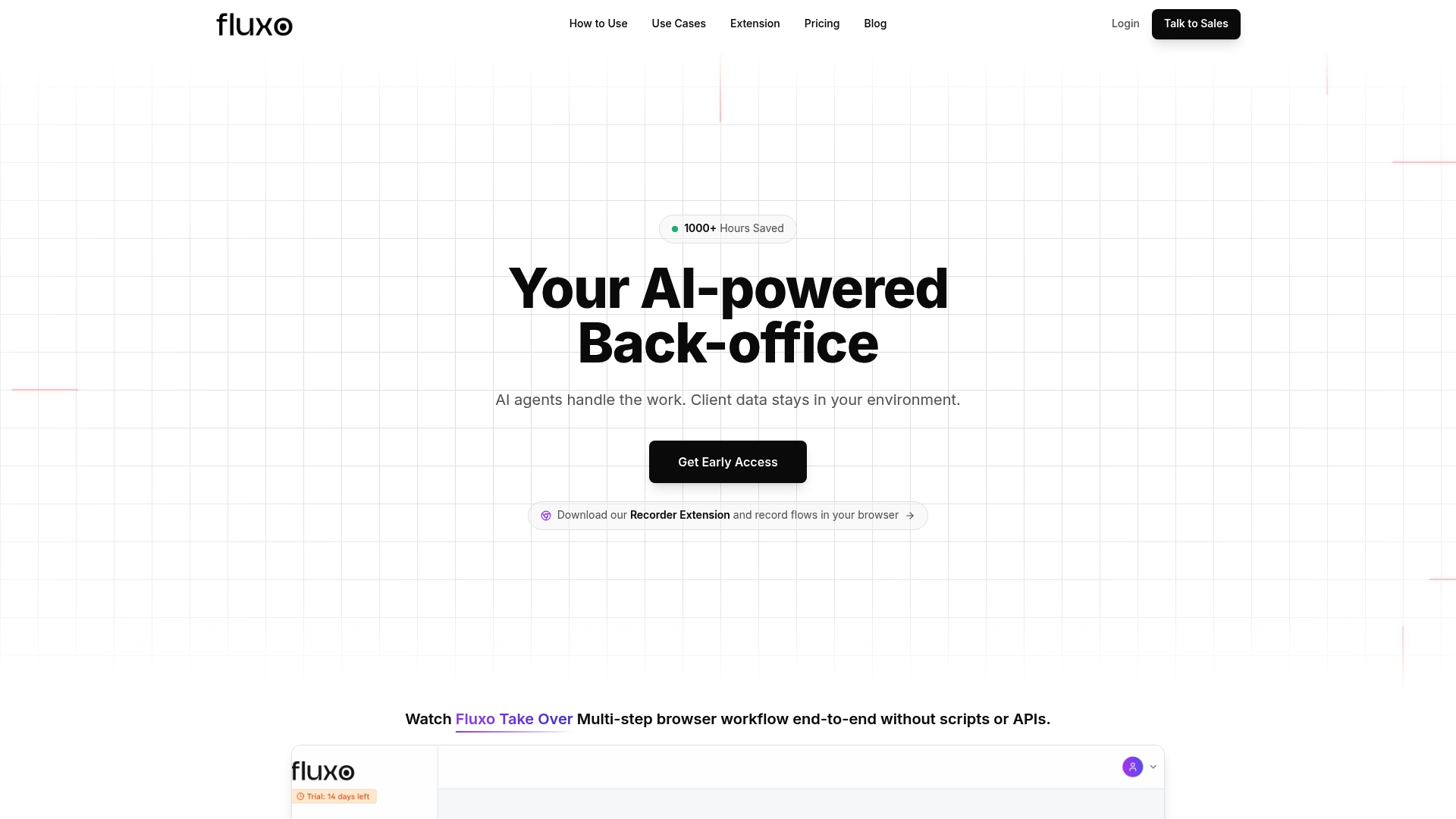
Fluxo records browser workflows in real time and accepts natural language instructions by voice or text. It then executes those workflows across web apps without writing code or using APIs. The product aims to replace repetitive manual browser tasks for business teams and operators.
Core Features
Fluxo captures actions via a Chrome extension and saves a live recording that the system interprets using natural language. The platform runs multi‑step, cross‑tab workflows and includes exception handling so routines adapt when a page layout changes. Teams can narrate a process once and schedule the recorded workflow to run automatically against web portals and dashboards.
Key Differentiator
Fluxo’s main claim is that its AI understands spoken or written instructions and adapts to UI changes, letting it run workflows without scripts or API connections. That approach targets browser automation rather than deep platform integrations. This makes the tool useful where no API exists or where a quick, no‑code capture is faster than building connectors.
Pros
Recording a task once and replaying it removes the need for scripting or developer time, which suits operators who lack coding resources. The AI component interprets narration and appears to handle minor interface changes, reducing brittle automation failures. Fluxo supports scheduled runs and multi‑step navigation across tabs, which helps teams automate report assembly and repetitive portal work without extra orchestration tools.
Cons
- Limited public detail: the website shows sparse feature pages and intermittent page not found errors, which makes verification harder. This affects assessment of enterprise readiness.
- Integration transparency: native integrations with specific services are not listed, so you may need to test connectors for your toolset.
- Browser focus: the product seems confined to web browser automation and may not cover desktop apps or systems without a web interface.
- Pricing clarity: while a free tier is stated, there is no public description of scalability or commercial plans.
When It May Not Fit
Fluxo is not a good match if your automations require certified API connectors or on‑premise data handling. Organisations needing formal vendor transparency on integrations and SLAs will find the public documentation thin. If you need automation across desktop applications or background services, this browser‑centric tool may be insufficient.
Who It's For
This tool suits business professionals, operators, and founders who spend large amounts of time on browser tasks and want a no‑code way to automate them. Small teams that need quick wins on data gathering, report exports, or portal management will find the recording workflow helpful. Organisations seeking enterprise governance and documented integrations will need further analysis.
Real World Use Case
The vendor says a startup founder uses Fluxo to automate daily data downloads and cross‑platform report assembly, saving over 10 hours weekly. That example shows how a single recorded workflow can replace routine manual steps across multiple web dashboards. Teams that run recurring browser chores will see value from converting those steps into scheduled automation.
Pricing
Fluxo lists a Free forever plan. There is no public detail on paid tiers or enterprise pricing on the site, so larger teams should contact the vendor for scalability and support options.
Website: https://heyfluxo.com
UiPath
At a Glance
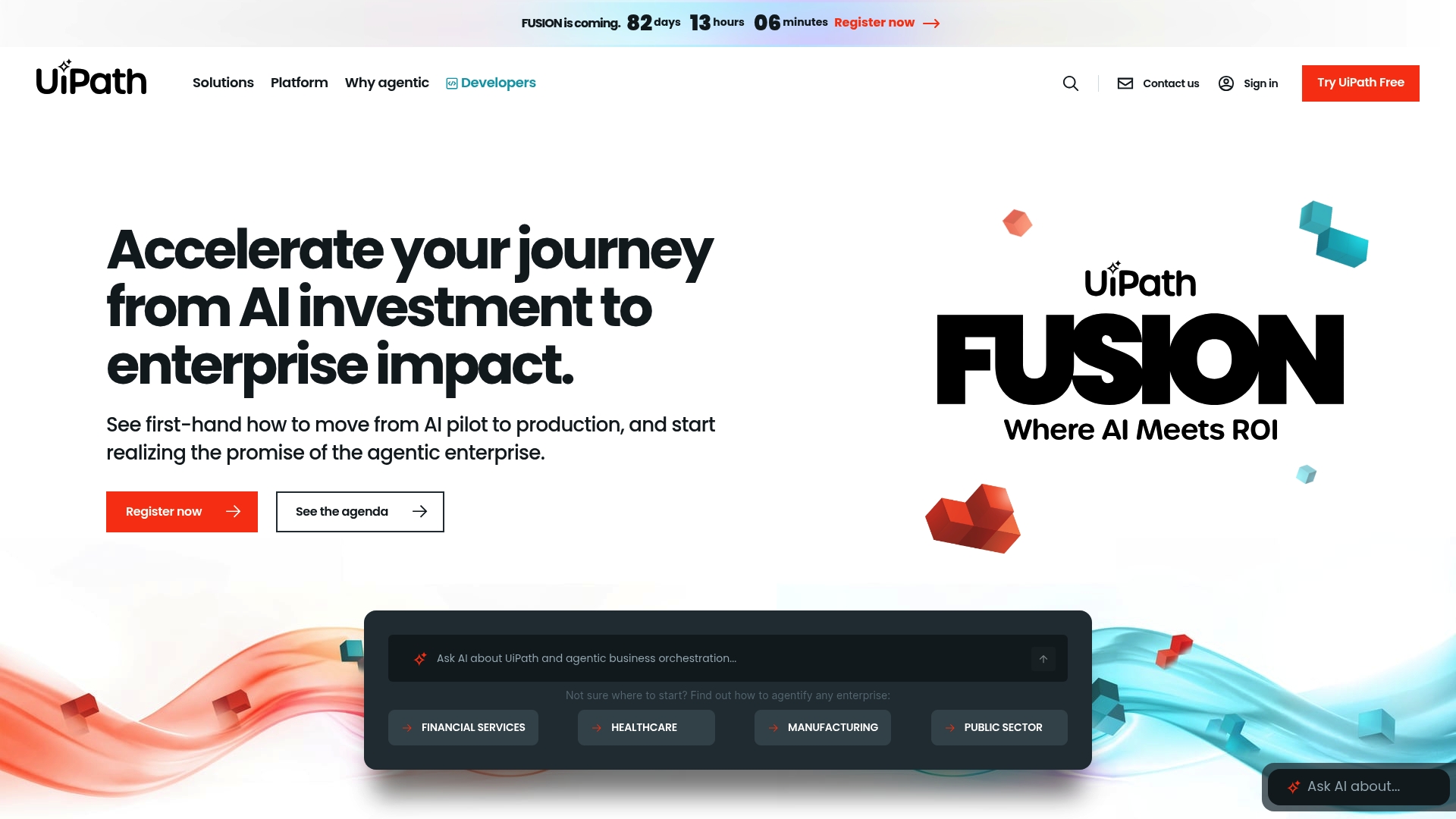
According to the company, Omega Healthcare increased productivity by 100% and shortened invoice processing times by 50% after deploying UiPath. That claim highlights the vendor focus on high-volume, repeatable tasks. UiPath targets large organisations that need automation across many departments rather than single-team point solutions.
Core Features
UiPath combines agentic automation with traditional robotic process automation to link AI agents, robots, and human teams into orchestrated workflows. The platform offers prebuilt industry solutions and an open orchestration layer that lets you integrate external AI models and API workflows. Built-in governance, security controls, and a public learning catalogue such as UiPath Academy support rollout and upskilling.
Key Differentiator
UiPath centres on an open, orchestrated platform that runs AI and RPA side by side and coordinates autonomous agents with attended robots. That design moves the automation pattern from isolated bots to coordinated processes that span multiple systems and teams. Firms that need cross-department coordination will find that orchestration model useful.
Pros
UiPath's marketing materials state it appears as a Forrester Wave™ Leader, which signals recognition from industry analysts. The platform supports AI, RPA, and API-driven flows in a single stack and scales to enterprise estates. A broad partner network and a large developer community supply templates, connectors, and training resources that accelerate implementation and competence building.
Cons
- Complexity for small teams. The platform can feel heavyweight for organisations with a handful of automations.
- Setup and licence costs. Enterprise licensing and implementation can represent a significant investment for larger rollouts.
- Onboarding and integration friction. Buyer reviews report nontrivial effort when connecting UiPath to legacy systems.
When It May Not Fit
UiPath may overwhelm small businesses or teams just starting with automation because it assumes governance and scale. Organisations that lack an integration lead or internal change capacity will face longer delivery timelines. If your goal is a single desktop automation without future scale, a lighter product may be a better first step.
Who It's For
Large UK enterprises seeking a platform to manage automation across finance, operations, and customer service will benefit most. Teams that plan multiple concurrent automation programmes and need vendor or partner support fit the profile. Organisations that require formal governance and audit controls will also find the product aligned to their needs.
Real World Use Case
The vendor reports Johnson Controls saved $18 million and reclaimed 900,000 hours using UiPath in finance and operations. Those vendor figures show how companies can centralise invoice processing and reconcile large transaction volumes. A UK payroll shared service could use the same pattern to remove manual reconciliation tasks and reduce error rates.
Pricing
Plans and pricing are available upon request. The vendor typically targets enterprise customers and issues custom quotes that reflect deployment scale, attended versus unattended robots, and support tiers. Expect a commercial discussion rather than an off-the-shelf monthly rate.
Website: https://uipath.com
Automation Anywhere
At a Glance
The first process reasoning engine enables dynamic understanding and decision making across diverse workflows. That capability pushes decision logic out of fixed scripts and into a runtime that interprets process context. The approach suits complex, multi step processes where rules alone struggle to adapt.
Core Features
Automation Anywhere bundles an agentic process automation system with tools for creating and managing AI agents, plus document processing for varied file formats. The AI Agent Studio provides a low code workspace for designing cognitive agents, and Document Automation handles structured and unstructured records for finance and healthcare. Automation Anywhere Code and Automator AI assist in converting business intent into governed automations and in auto creating workflow logic.
Key Differentiator
The product centres on its process reasoning engine, which claims to interpret workflow context and make real time decisions rather than only executing predefined steps. That mechanism aims to reduce brittle automations that fail when inputs change unexpectedly. For teams automating mission critical processes, the engine promises a different operational model for handling exceptions and branching logic.
Pros
The vendor highlights recognition as a Gartner Magic Quadrant Leader for RPA for multiple years, which supports its enterprise positioning. The company lists certifications including ISO 27001, 9001, and HIPAA, which signals attention to security and regulated environments. A wide catalogue of pre built AI agents and a free developer edition help with proof of concept work and community learning.
Cons
- Complexity of deployment: third party user reviews suggest integration and initial setup can be time consuming and technically demanding.
- Opaque pricing: public pricing is not specified, which may hamper budgeting for smaller teams.
- Customisation effort: several reports indicate that significant engineering input is often required to tune automations for edge cases.
When It May Not Fit
This product may not fit smaller organisations that lack dedicated automation engineers or an internal centre of excellence. Teams seeking fully transparent, fixed pricing for straightforward automations will find planning difficult here. Organisations with only simple rule based tasks will likely be better served by lighter tools with shorter setup times.
Who It's For
Large enterprises and regulated organisations that need AI driven automation for complex, mission critical processes will benefit most. Buyers should have a technical team to handle initial implementation and governance. Sectors that match well include finance, healthcare, IT operations, and manufacturing.
Real World Use Case
According to the company, a financial services firm used Automation Anywhere for invoice processing and compliance and reported an 80% boost in accounts payable efficiency and a 90% auto resolution rate for IT support tickets. Those figures indicate how decision aware automations can cut manual handling when applied to high volume transactional work.
Pricing
Not applicable — informational only. Publicly listed pricing is not available, and the vendor does not publish standard tiers on the site. Prospective buyers should contact sales for licence models, deployment cost estimates and support options.
Website: https://automationanywhere.com
Comparison of alternatives
Automation software options exhibit varying strengths, allowing organisations to find tailored solutions according to specific operational needs.
Scalable pricing and implementation options
GMD Automation leads in providing a fully managed automation experience where the deployment, hosting, and monitoring are included under one consistent subscription fee. This approach eliminates significant capital investment and reduces technical overhead for organisations.
Kaiva stands out in regulated industries due to its ledger-based workflow management enabling compliance and reversibility. This amounts to traceability and outcome attribution, which are critical in certain professional environments.
Governance and compliance capabilities
Kaiva provides exemplary compliance tools, offering an append-only ledger for all actions that is auditable and detailed, crucial for highly regulated industries. UiPath also supports wide integration for overarching governance, but involves more intricate setups that organisations with specific complexity goals might require.
Lightweight task automation for agility
Fluxo offers a straightforward solution for browser-based task automation through its intuitive, narrated workflow approach. Its strength lies in ease-of-use for teams needing accessible automation for web-based repetitive processes.
Best fit
- GMD Automation: Managed automation initiatives without the need for initial capital while desiring predictable subscription models.
- Kaiva: Emphasis on compliance-focused process recording and governance for operations in highly regulated sectors.
- Fluxo: Quick automation implementation for small teams involved primarily in browser tasks.
- UiPath: enterprise-grade orchestration required to automate cross-department processes.
- Automation Anywhere: Handling complex, decision-driven automation for enterprise-grade scalability and precision.
Our pick
GMD Automation is the most suitable choice for medium-sized UK service providers that seek a reliable and cost-effective entry point to automation through a fully managed subscription model. However, Kaiva and Fluxo may better address compliance-critical sectors and lightweight automation needs, respectively.
To assist in choosing the most suitable option for automation solutions tailored to your organisational needs, here is a detailed comparison of the featured platforms.
| Platform | Core Feature | Key Differentiator | Pricing | Notable Limitation |
|---|---|---|---|---|
| Gmdautomation | AI-driven voice and chat agents | Fully-managed solution, no upfront costs | Starting from £400 for 1,000 minutes | Pricing may not suit low-volume trials |
| Kaiva | Model-agnostic workflows with compliance features | Append-only ledger ensuring traceability | Outcome-based, defined per engagement | Setup requires domain expertise and complex configuration |
| Fluxo | No-code browser task automation | Interprets UI changes dynamically | Free tier; enterprise pricing not published | Limited details on integrations and wide-scale scalability |
| UiPath | Orchestrated automation including AI and RPA | Open platform for cross-process coordination | Custom quotes tailored to enterprise needs | Complexity and cost may challenge smaller organisations |
| Automation Anywhere | AI-driven dynamic process automation | Process reasoning engine for adaptability | Price not published | High initial complexity for deployment and tuning |
What challenges do automatx.co.uk alternatives pose for UK businesses?
Businesses seeking pragmatic AI automation often face high capital costs and complex technical demands. Gmdautomation offers a clear solution with enterprise-grade AI systems deployed quickly under a predictable monthly subscription. This approach removes upfront investment and lowers technical overhead while ensuring compliance with UK data protection standards.
Gmdautomation suits UK organisations needing flexible, fully managed AI voice and chat agents plus social media automation for lead qualification and appointment booking. Its month-to-month contracts and ongoing support allow medium sized service providers and operational teams to scale easily without burdening internal IT resources.
Looking for transparent AI automation with no capital purchase? See how Gmdautomation’s all-in-one deployment and support model fits your needs. Visit Gmdautomation to meet demand effectively and reduce customer handling costs.
FAQ
How does GMD Automation's pricing scale compare for enterprise use?
GMD Automation offers pricing starting from £400 for 1,000 minutes of AI voice agent calls. This clear pricing model allows businesses to budget effectively while avoiding initial capital outlay. Teams interested in automating customer interactions will find this model straightforward and efficient.
What is the difference between GMD Automation and Kaiva?
Kaiva offers strong governance through an append-only ledger, which records every action and decision, providing detailed audit trails. GMD Automation, in contrast, focuses on a fully managed service that requires no upfront capital investment, making it ideal for organisations that want to automate customer interactions without heavy technical overhead.
Can GMD Automation's features support social media automation?
Yes, GMD Automation includes tools for social media automation, specifically for lead qualification and appointment booking. This feature enables organisations to manage multiple customer interaction channels efficiently, streamlining operations that depend on social media outreach.
Which platform is better for regulated industries, GMD Automation or Automation Anywhere?
Automation Anywhere is beneficial for large enterprises needing AI-driven automation for complex, mission-critical processes. GMD Automation is more suitable for medium-sized organisations seeking automated customer interactions without requiring extensive upfront investments or technical expertise.
How does GMD Automation ensure compliance with local data protection laws?
GMD Automation states its systems are production grade and compliant with UK regulations. This focus on compliance is essential for organisations operating under local data protection laws, providing peace of mind for those concerned about regulatory issues in their automation efforts.